
Practical guidance for Dubai businesses
Plan the tools your business needs.
Opening something new or improving how you run today? Build a clear list of equipment, software and next steps before making decisions.
See your checklist first. Contact details are optional.
Two ways to begin
Start where your business is today
A new opening and an established operation raise different questions. Choose the path that fits.
Prepare for opening
Work from your first sale backward: item data, checkout, staff roles, training and the equipment that supports them.
Explore the opening path →02 · Existing businessImprove daily operations
Find gaps in your current workflow, check what can be reused and choose improvements that solve the actual problem.
Explore the improvement path →Your industry
Advice shaped around the work you do
Each guide starts with the handoffs and decisions specific to that business.
Retail
Make checkout, returns and stock counts easier to control.
Read the guide →02 / IndustryGrocery & supermarkets
Connect fast checkout with receiving, labels and stock visibility.
Read the guide →03 / IndustryRestaurants & cafés
Keep orders clear from counter or table to kitchen and payment.
Read the guide →04 / IndustrySalons & beauty
Coordinate appointments, staff, services and retail products.
Read the guide →05 / IndustryLaundry
Track every item from intake to collection or delivery.
Read the guide →06 / IndustryWorkshops & automotive
Follow jobs, parts, approvals and customer handovers.
Read the guide →Another type of business? Build a general essentials plan.
The essentials
Choose around your workflow, not a shopping list.
Billing, stock, printing, payment, reporting and support only help when they work together. Learn what each part should do and what to verify before you buy.
Explore Business Essentials →A connected daily flow
- Record the work
Sale, appointment, order, item or job. - Move information forward
From counter to stock, kitchen, team or customer. - Check the result
Reconcile exceptions and prepare the next shift.
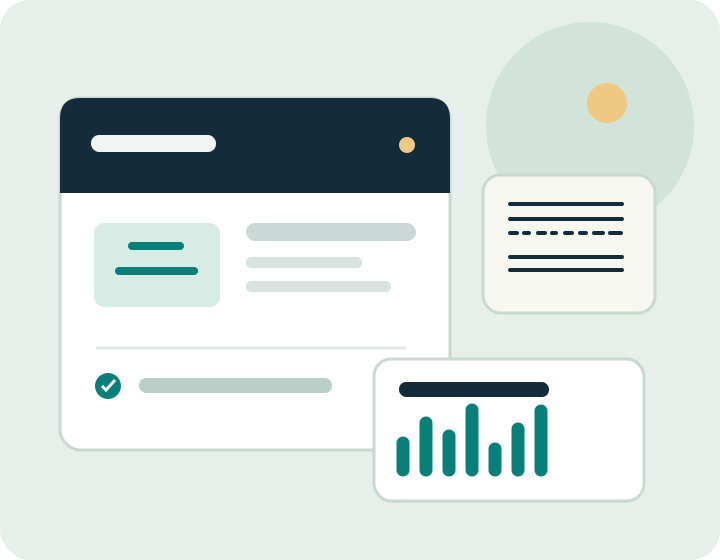
Your sample result
Opening checklist · Retail
Illustrative example. Your actual list depends on your answers.
Business Essentials Planner
A useful plan before a conversation.
Answer a few practical questions. See essentials, improvements and equipment you may already have, with the reason for each recommendation.
Get Recommendations →Learn before you decide
Guides for real operating questions
Use a checklist or comparison to prepare better questions for your team and suppliers.
Retail POS and equipment essentials
A practical buying checklist for checkout, receipts, returns and stock.
Read guide →Food serviceRestaurant billing and kitchen workflows
Map order changes, kitchen handoff and end-of-day reconciliation.
Read guide →Stock controlInventory and barcode management
A plain-language method for product IDs, receiving, counts and adjustments.
Read guide →Equipment guideReceipt printers, label printers and scanners
Choose devices around media, interfaces and your actual workflow.
Read guide →Daily operationsDaily store management and closing
A repeatable routine for handover, reconciliation and the next opening.
Read guide →How assistance works
Bring us a concrete need
Describe your operation
Use the planner or tell us where checkout, stock, service or reporting is getting stuck.
We review the context
Your request reaches our team with the relevant details, so the next conversation can focus on your actual workflow.
Discuss next steps
We contact you by your chosen method about suitable equipment, software or support options.
Common questions
A few things to know before you start
Can I use this if I already have equipment?
Yes. Mark what you own in the planner. Results call out compatibility checks rather than assuming replacement.
Will I see recommendations without giving my number?
Yes. Your checklist appears first. Sharing your details is optional when you want further help.
Can I ask for a quote?
Yes, for relevant technology, software, installation and support needs. Specialist machinery needs a separate assessment.
How will you handle my inquiry?
Our team receives your request by email and uses your chosen contact method to respond. See our privacy information.
Your next step
Make the next decision clearer.
Start with a checklist, or talk through a specific need.